Install
.deb (any Debian/Ubuntu)
sudo apt install ./fifine-control-deck_*.deb
apt (Launchpad PPA)
sudo add-apt-repository ppa:zoutmax/fifine
sudo apt update
sudo apt install fifine-control-deck
Works on Debian/Ubuntu-family distros for amd64 and arm64
(Raspberry Pi included). You must be in the plugdev group; the packages install the
udev rule and helper tools automatically.
The device & the app
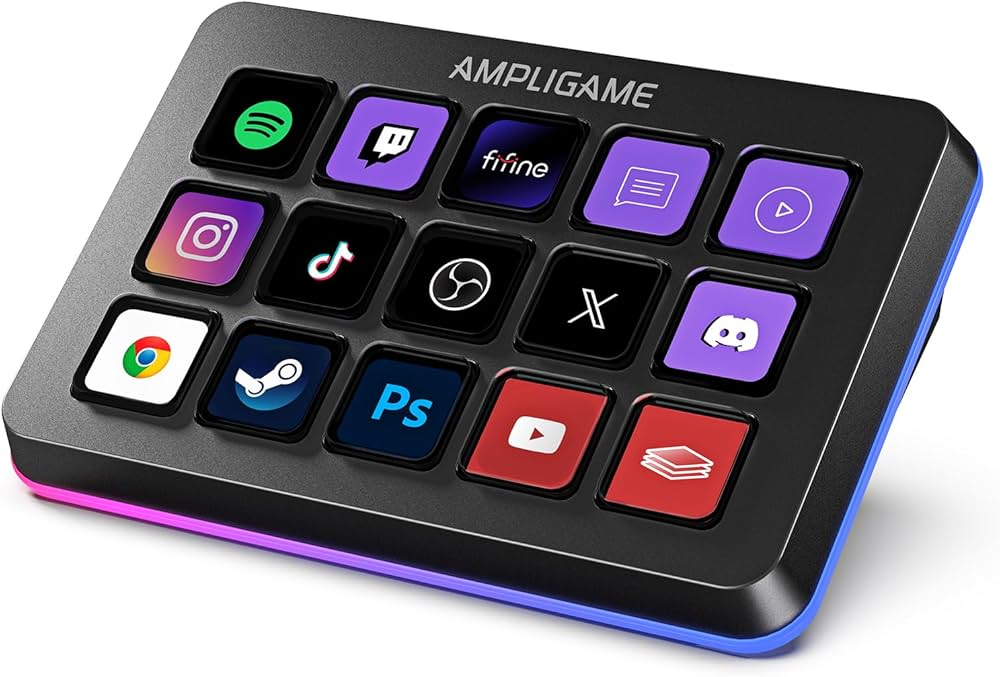
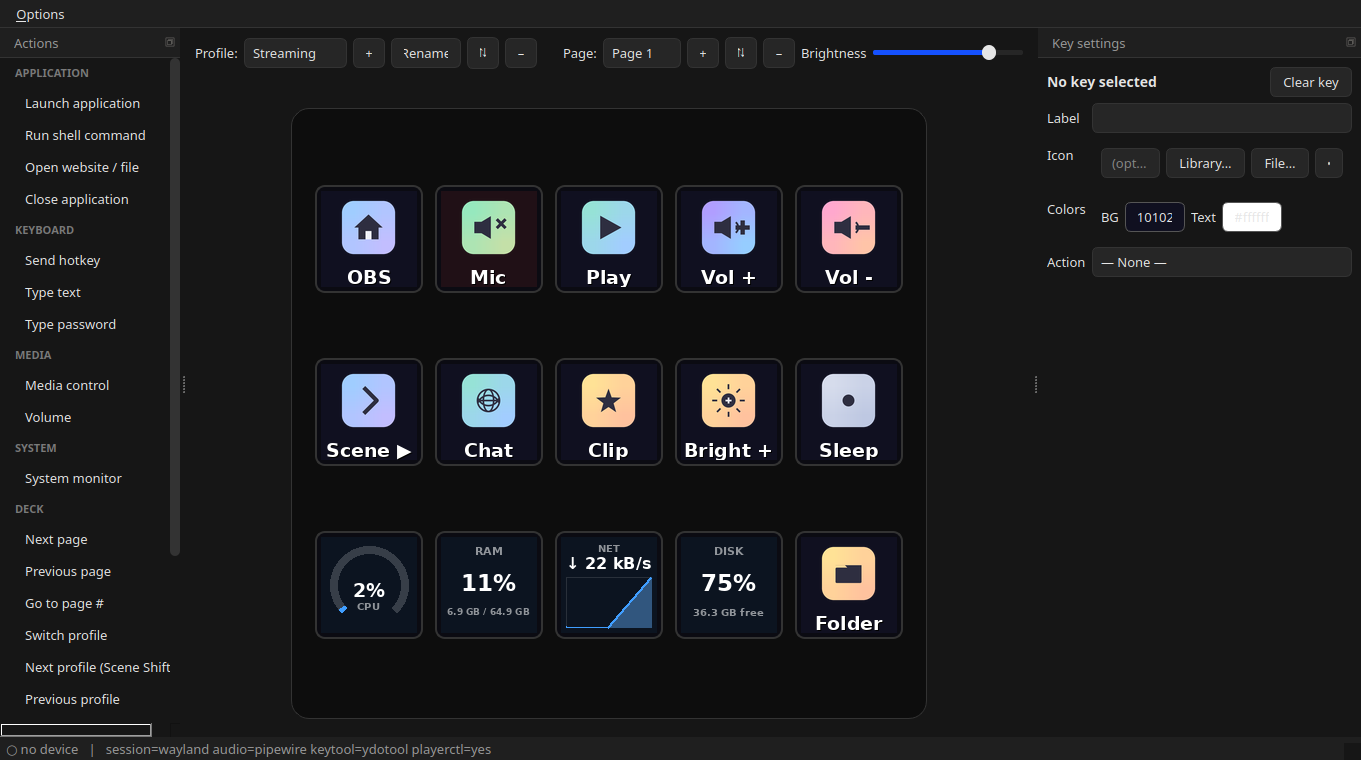
The actions catalog, the live 3×5 key grid, and the key-settings panel.
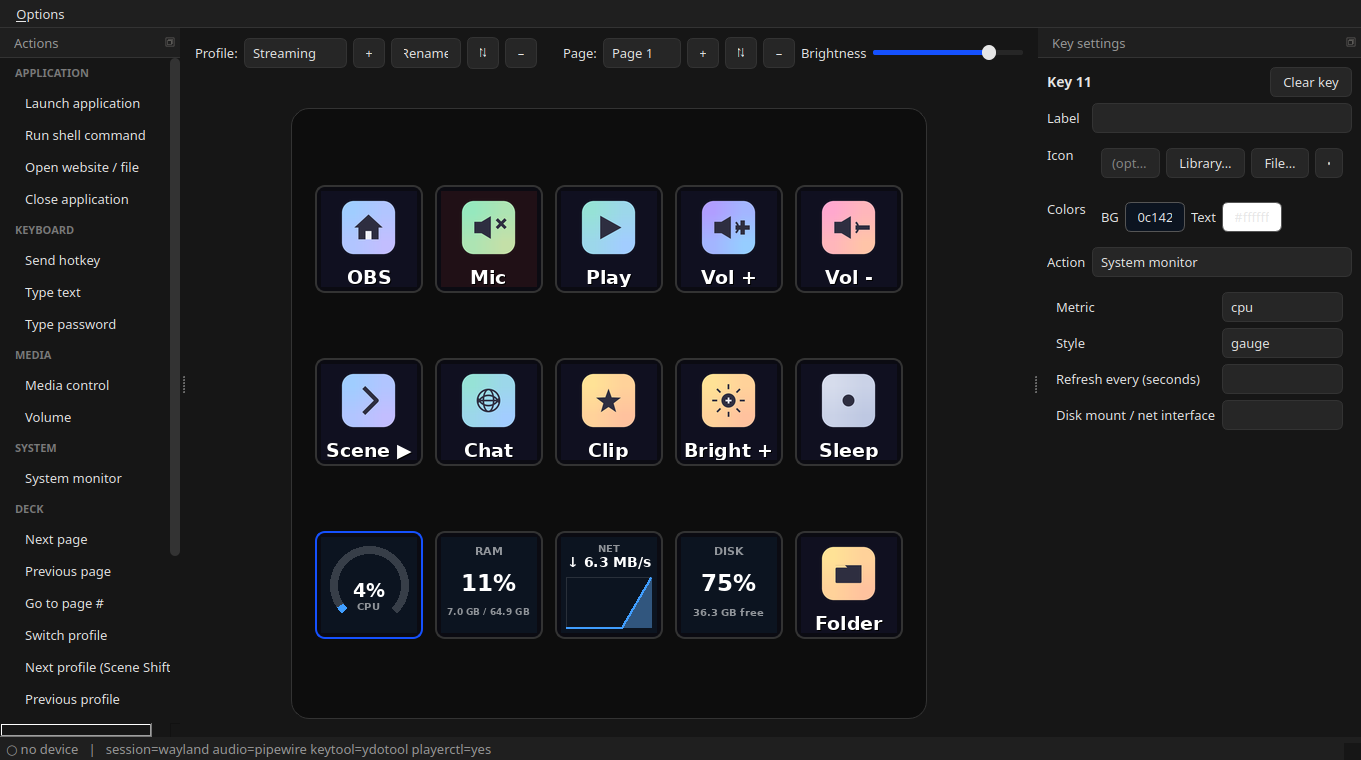
Editing a key — icon, colours, label, its action, and an optional press-and-hold action.
Features
- Live per-key icons, labels & colours (and animated GIF keys)
- System-monitor keys — live CPU, RAM, VRAM, GPU load, temperatures, network & disk on the key LCDs, as numbers, gauges or graphs — plus a clock face (12/24h, date styles)
- Press-and-hold — a second action on every key, fired by holding it ~½ s
- Drag-and-drop actions catalog
- Launch apps, hotkeys, type text, run scripts
- Media, volume & brightness control
- Multiple profiles & pages
- Folders (nested key-sets) & multi-step macros
- Knob/dial support (press / rotate)
- Wayland & X11
- Hotplug-aware; optional autostart on login